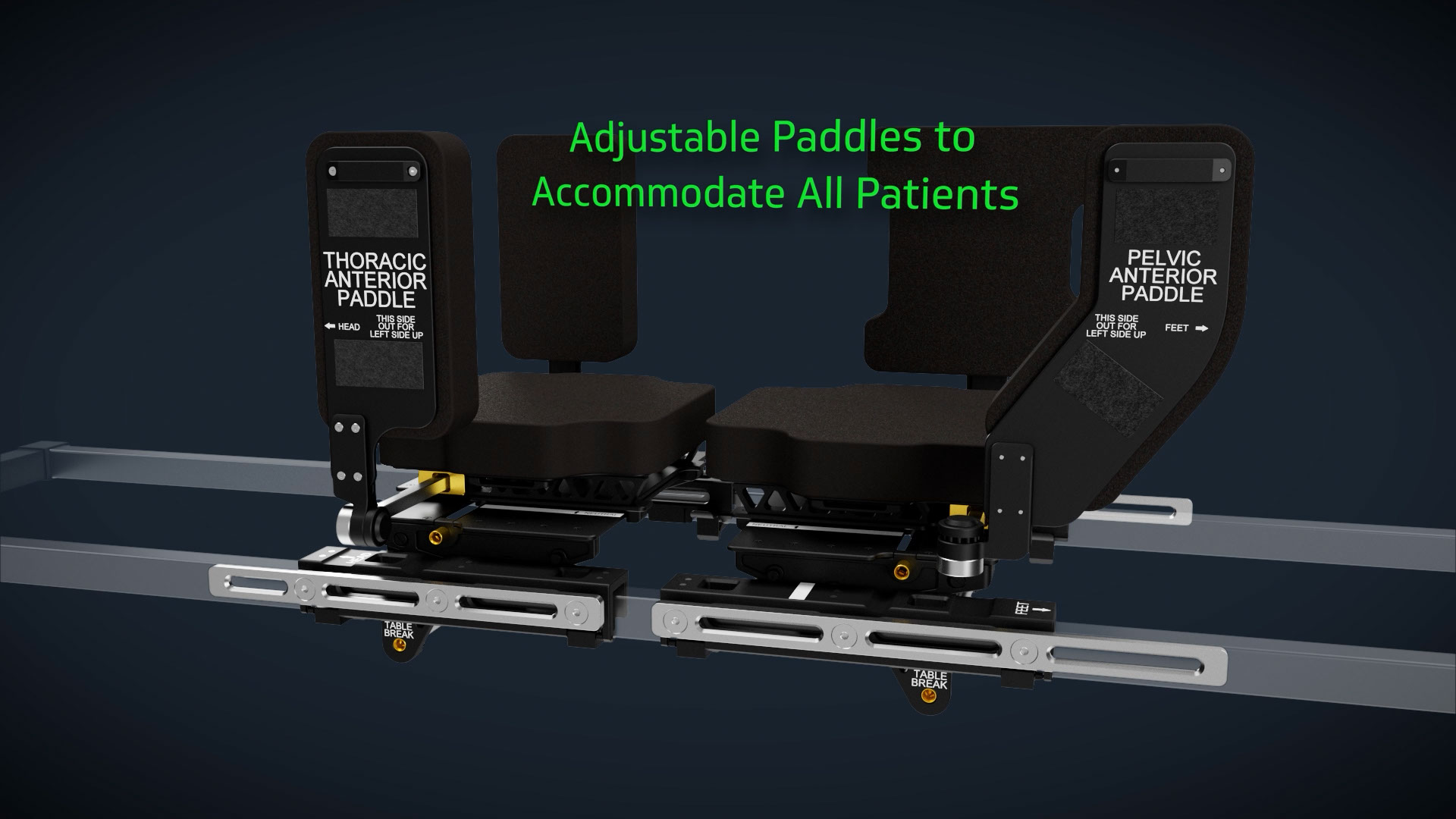
Medical device companies live in two worlds: the precision of engineering and the clarity of communication.
CAD files are built for manufacturing. They're geometrically perfect, mechanically accurate, and completely unintelligible to anyone who isn't an engineer.
Animation is built for understanding. It needs to show not just what the device is, but what it does, how it works, and why it matters.
Bridging that gap is where the real work happens.
When you hand us a .STP or .STEP file, here's the process:
1. File Assessment and Cleanup
CAD files are rarely animation-ready. Common issues:
We clean, optimize, and rebuild geometry so it renders cleanly without sacrificing accuracy.
2. Anatomical Integration
Your device doesn't exist in a vacuum. It lives inside a spine, a knee, or a vascular system.
We build anatomically accurate environments that show:
This is where engineering data meets clinical reality.
3. Motion and Mechanism
Static geometry doesn't explain function. We animate:
The goal: make the mechanism immediately clear, even to non-engineers.
4. Visual Polish for Context
Trade show booths, investor decks, and sales presentations demand polish. That means:
Pitfall #1: "Here's the whole assembly"
Sending a 300-part assembly with fasteners, jigs, and manufacturing fixtures creates cleanup work. Instead, export only the parts that matter for visualization.
Pitfall #2: Proprietary formats only
If you only have SolidWorks or Creo files, we can work with them—but neutral formats like .STP or .STEP are faster and cleaner.
Pitfall #3: No context for what moves
Static CAD doesn't show articulation. If your device has moving parts, include exploded views, motion studies, or written descriptions of how it articulates.
Pitfall #4: Missing material specs
Knowing what's titanium vs. PEEK vs. polymer helps us render materials accurately. A quick material list saves guesswork.
The best CAD handoffs include:
You don't need to be an animation expert—you just need to think about what we'll need to show.
Sometimes CAD files are incomplete, outdated, or unavailable. In those cases, we can work from:
It's not ideal, but it's workable. The key is clear communication about what you have and what's missing.
The final animation isn't just a pretty video. It's a tool built for specific use:
The CAD file is the starting point. The animation is the communication tool.
Turning CAD into animation isn't just a technical conversion. It's a translation from engineering precision to human understanding.
The companies that do this well don't just hand over files—they think about what the animation needs to communicate and prepare accordingly.
That's the difference between a deliverable and a tool that actually works.